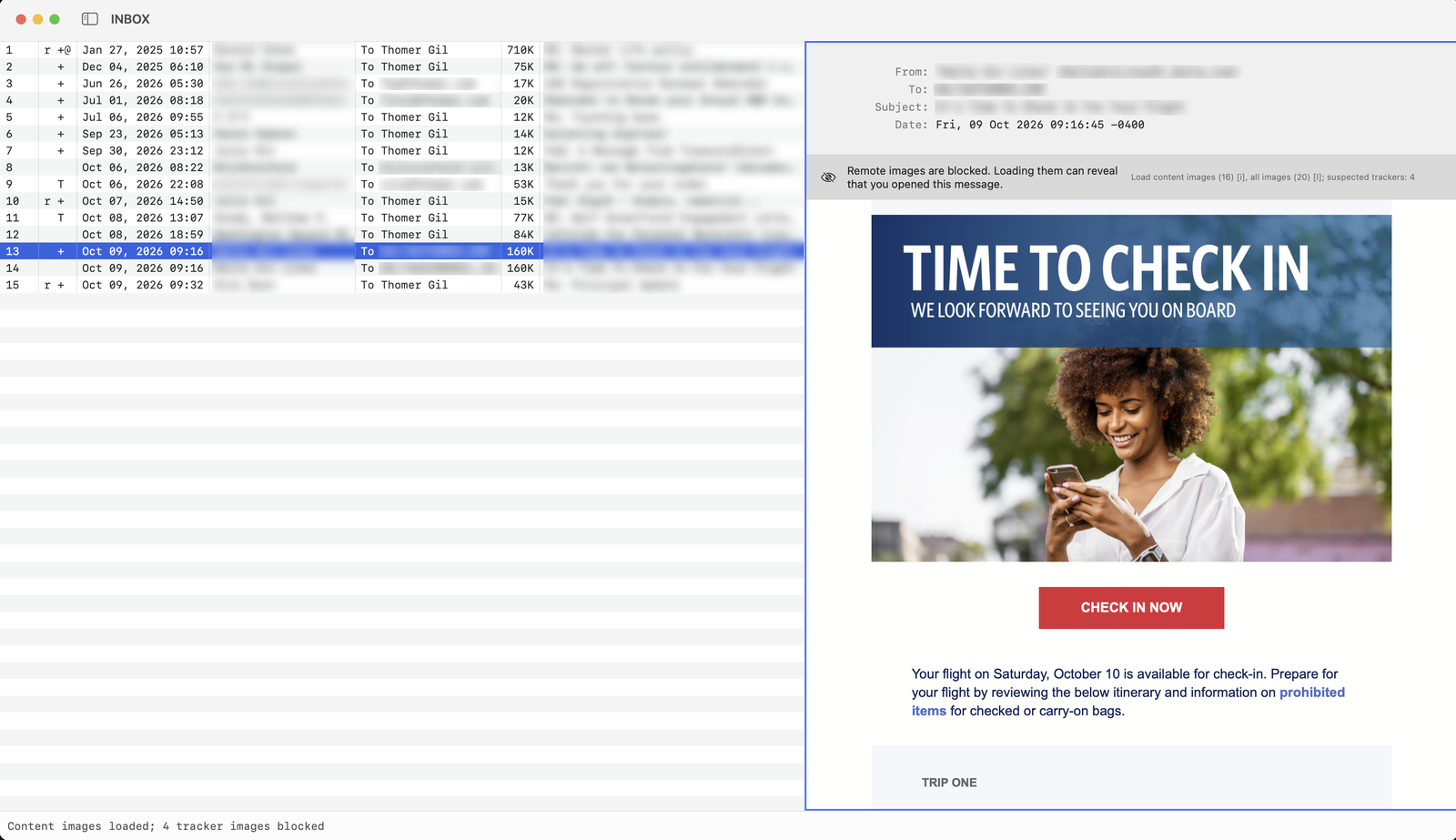
The keys you use in (Neo)Mutt do the same here
The defaults match NeoMutt's, and your bind lines change them.
Patterns and tags
- l
- Limit the index to a pattern
- T
- Tag messages matching a pattern
- Ctrl-T
- Untag messages matching a pattern
- t
- Tag or untag one message
- ;
- Apply the next command to every tagged message
- 1–9
- Jump to a message by number
- o O
- Sort, or sort in reverse
Everyday
- j k
- Next and previous message
- Return
- Open the message
- m
- Compose
- r g L
- Reply, group reply, list reply
- s C
- Move or copy to a mailbox
- d u
- Delete, undelete
- N F
- Toggle new, flag
- v
- List attachments
- c
- Change mailbox
- $
- Write queued changes to the server
- q
- Quit
- ~f acme\.(com|org)
- from acme.com or acme.org
- ~s ^Re:.*invoice
- subject starts with Re: and mentions invoice
- ~N
- unread
- ~X 1-
- has at least one attachment
- ~m 10-20
- messages 10 through 20
- !~F
- not flagged
- ;d
- deletes everything tagged, with set my_muttdesktop_imap_operations=tagged
Patterns: ~f ~s ~t ~C ~e ~L take a regular expression; ~m takes message ranges and ~X attachment counts; ~N ~F ~D ~T ~U match message states; ! negates.
It reads your muttrc and runs your IMAP mail
- Reads your
muttrc:folder,spool_file,source,bind,folder-hook,index_format,color index,sort, and more. - Composes in embedded Neovim, with
To:,Cc:,Bcc:, andSubject:prompts in NeoMutt's order, then sends over SMTP and files a copy in Sent. - Postpones drafts to your IMAP drafts mailbox and recalls them.
- Shows HTML mail in an isolated view with scripts off and remote images blocked until you load them. You can bind a key that loads them without tracking pixels.
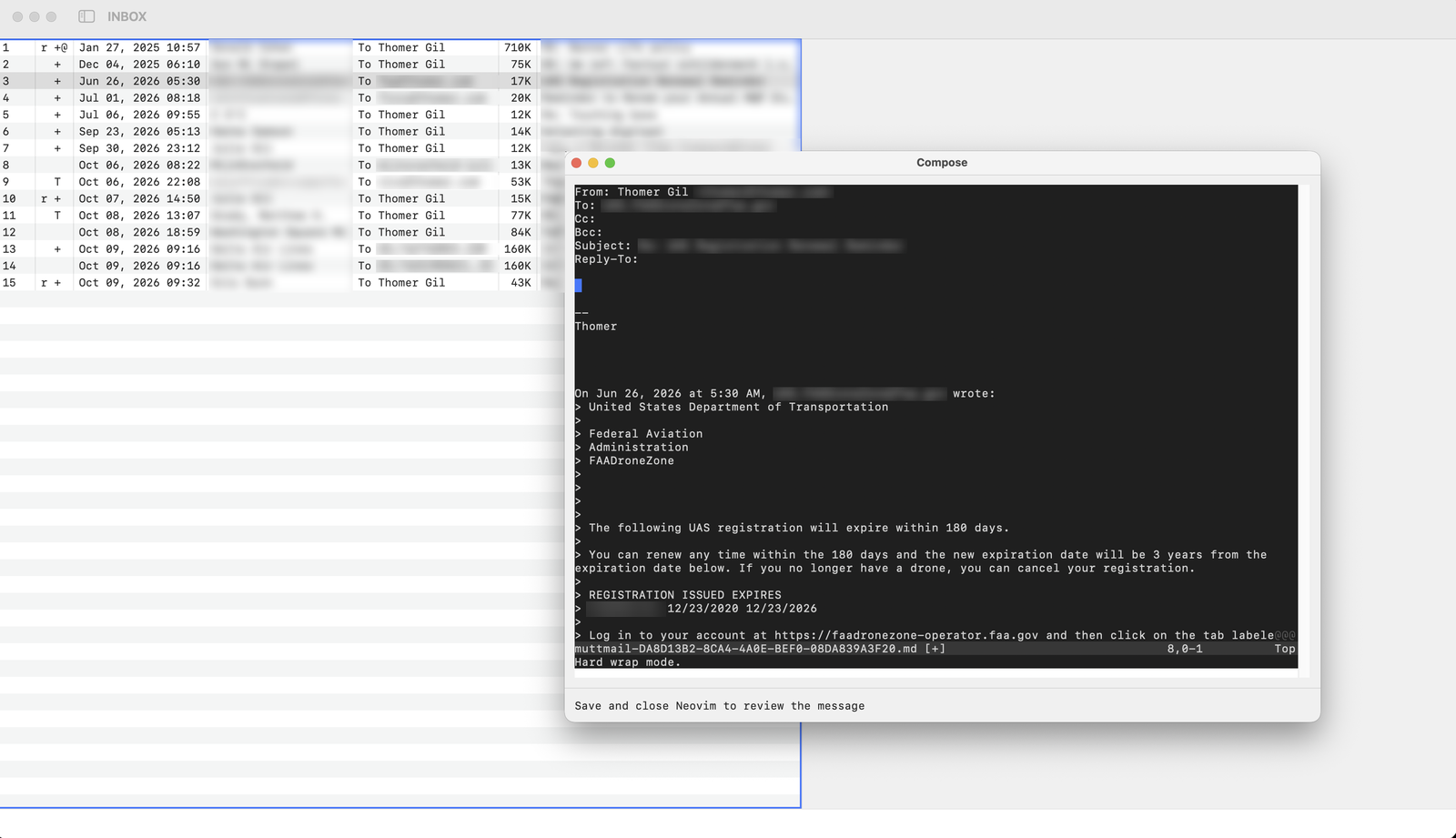
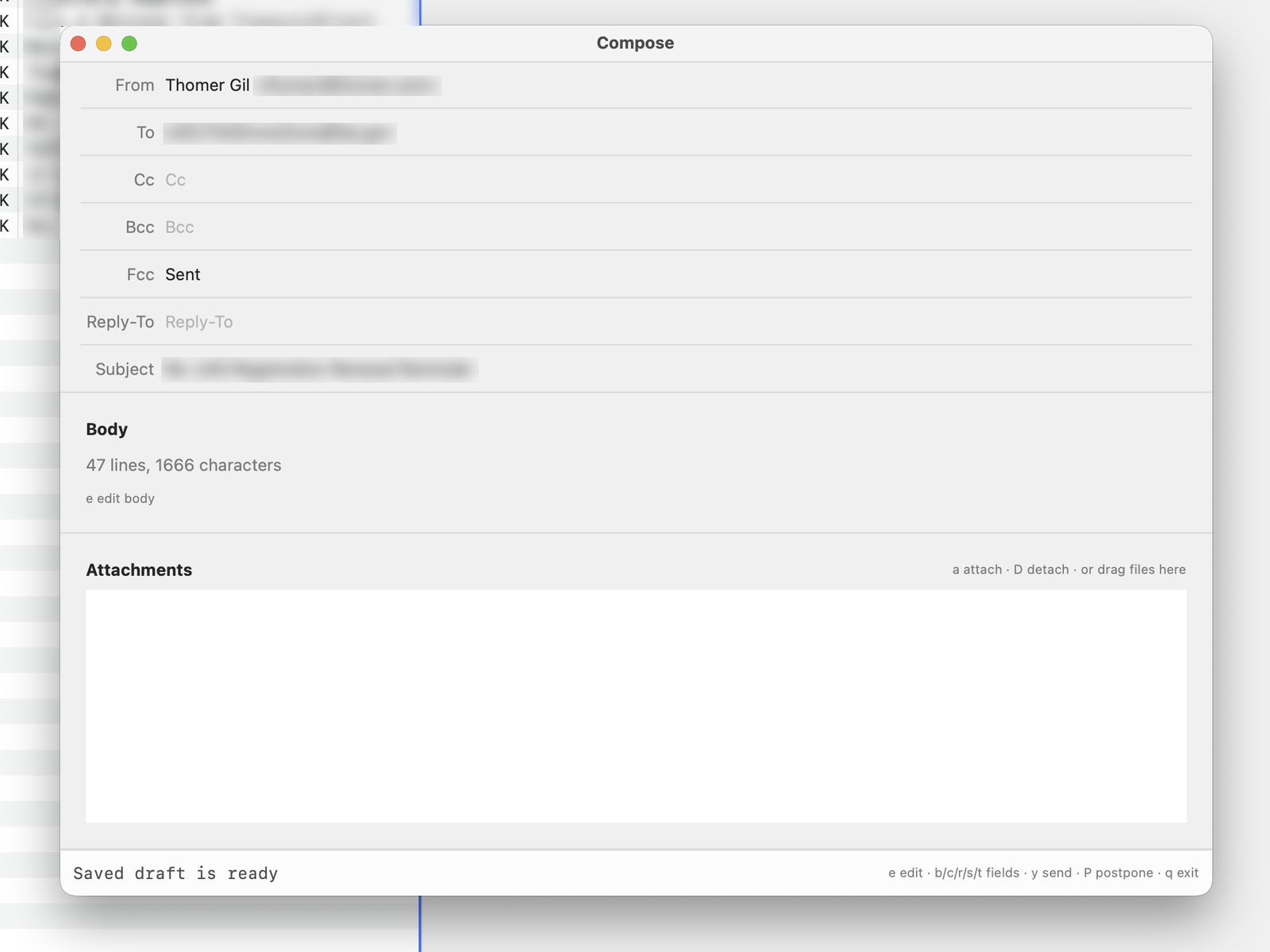
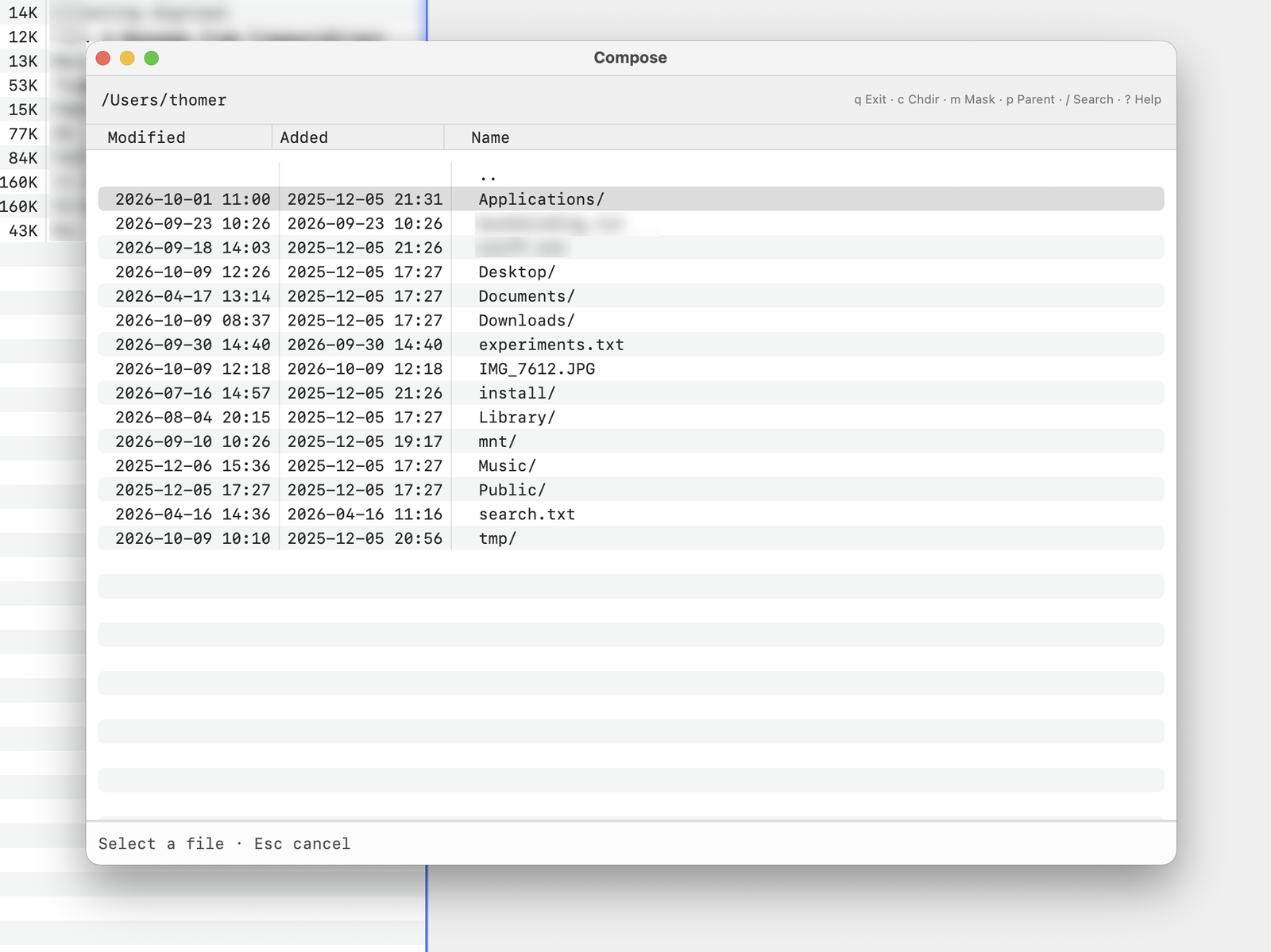
attach-file opens.One muttrc serves both programs
Mutt Desktop's own options and functions count as defined for ifdef, and (Neo)Mutt doesn't know them. Keep Mutt Desktop's settings in a file that only Mutt Desktop reads, and (Neo)Mutt never sees a bind to a function it lacks.
# Read by NeoMutt and Mutt Desktop alike.
set folder = "imaps://you@mail.example.com/"
set spool_file = "+INBOX"
set sort = threads
set index_format = "%4C %Z %{%b %d} %-15.15L %s"

# Only Mutt Desktop defines this function.
ifdef my-muttdesktop-load-remote-content \
  "source ~/.config/mutt/muttdesktop.rc"
# NeoMutt stops here if it ever reads this file.
ifndef my-muttdesktop-load-remote-content finish

set my_muttdesktop_index_font = "SF Mono"
set my_muttdesktop_index_font_size = 13
set my_muttdesktop_index_alternating_rows = yes
set my_muttdesktop_autopreview = yes
set my_muttdesktop_imap_operations = tagged
bind index i my-muttdesktop-load-content-images
Your server changes only when you sync or leave the mailbox
Mailboxes open read-only for listing and reading. Deleting, flagging, and marking read queue up, as in (Neo)Mutt, and reach the server only when you run sync-mailbox or leave the mailbox.
By default each command changes one message; set my_muttdesktop_imap_operations=none turns all changes off. Mutt Desktop never expunges a whole mailbox, and your mail goes only between your Mac and your mail server.
IMAP and password logins only, for now
- IMAP only. No local Maildir, mbox, or POP.
- Password logins only, with no OAuth. Gmail works with an app password; accounts that require OAuth, such as Microsoft 365, won't connect.
- No PGP or S/MIME.
- Of NeoMutt's 472 options, 21 work fully and 44 partly. The rest are ignored, and a table in the documentation lists every one.
This is version 0.1. Keep backups of mail you can't lose.
OAuth and macros come next
Roughly in this order, with no dates promised:
- OAuth sign-in, so Microsoft 365 and other accounts without app passwords can connect.
- General macros and multi-key bindings. Today only save-to-mailbox macros work.
- More of NeoMutt's options and commands, working down the compatibility table.
Later, if people need them: local Maildir mailboxes, and PGP signing and encryption.
It needs macOS 14 and Neovim
- macOS
- 14 Sonoma or later, Apple silicon or Intel
- Editor
- Neovim, for example
brew install neovim - An IMAP account with SMTP sending and password login
- Config
- A (Neo)Mutt
muttrc
Paid once. It includes a year of free upgrades while Mutt Desktop catches up with Mutt's features. No subscription, no account, no tracking.
One disk image for Apple silicon and Intel, signed and notarized by Apple. Payment and download go through Buy Me a Coffee.
It works alongside (Neo)Mutt
- (Neo)Mutt stays the better choice in a terminal.
- Mutt Desktop is for when you want a Mac window: HTML mail rendered properly, links that open in your browser, files dropped onto a draft, and Cmd-Tab to your mail.
- Mutt Desktop is independent of Mutt and NeoMutt.
- It follows NeoMutt's behavior and configuration, and neither project makes or endorses it.
- Mutt Desktop never changes your muttrc.
- It only reads it. Options that only Mutt Desktop understands start with
my_muttdesktop_, which (Neo)Mutt ignores, so one file works for both. - Selecting a message does not open it.
- As in (Neo)Mutt, press Return or Space to read the message in the pager, which marks it read. To show the selected message beside the index as you move, add
set my_muttdesktop_autopreview = yes; each message the cursor stops on is then marked read. - You could build this yourself with an LLM.
- You can. The tokens will cost more than $9.99.